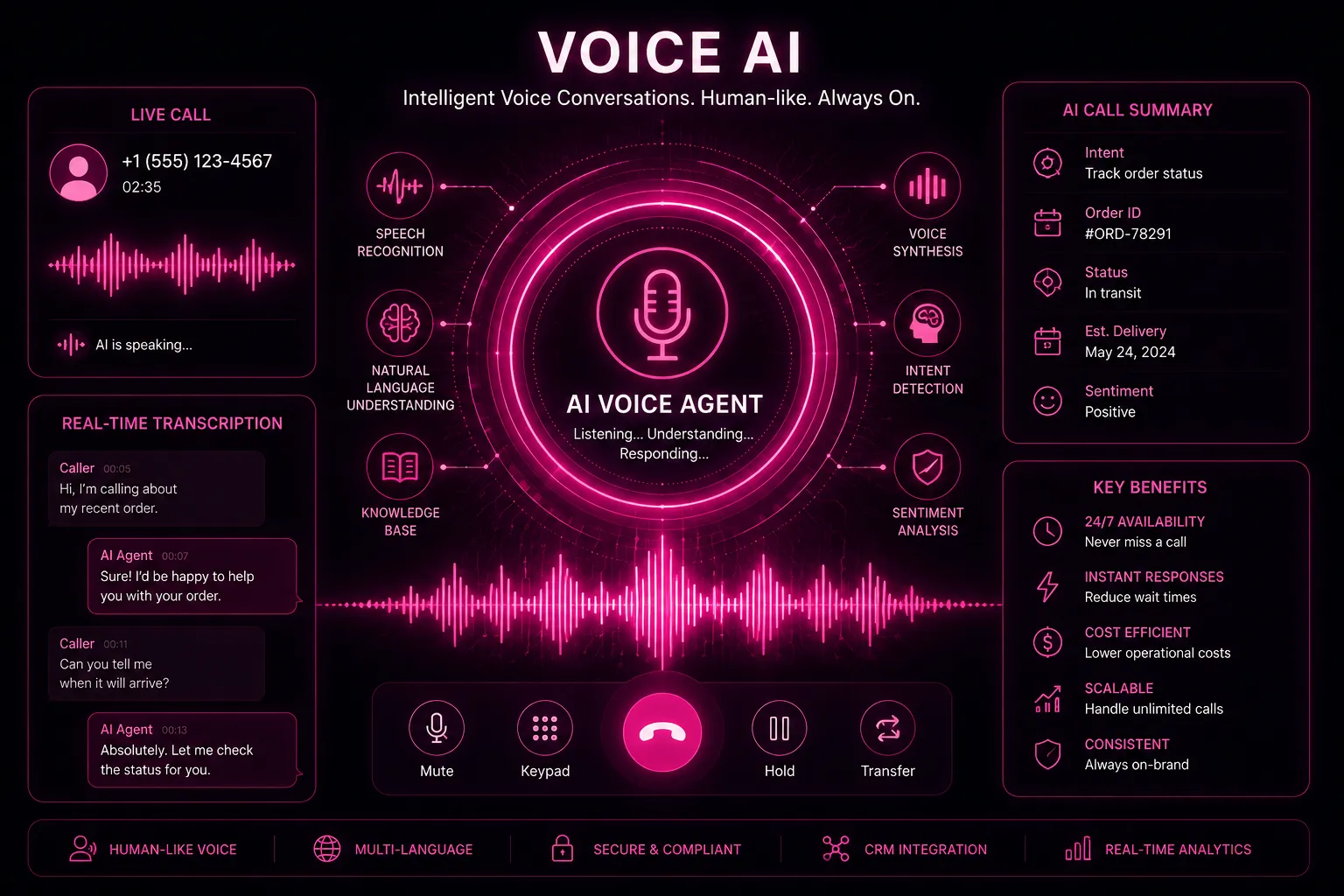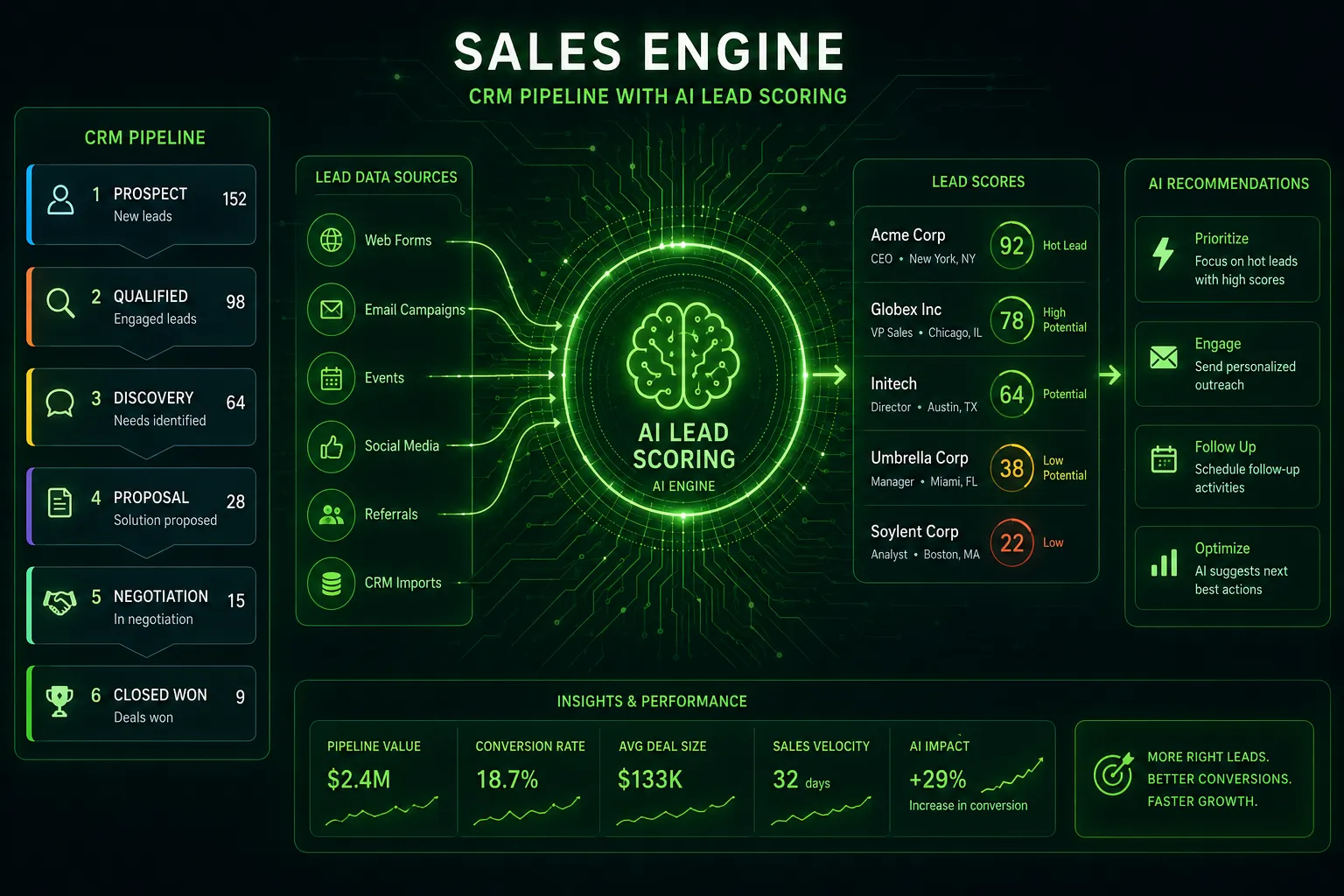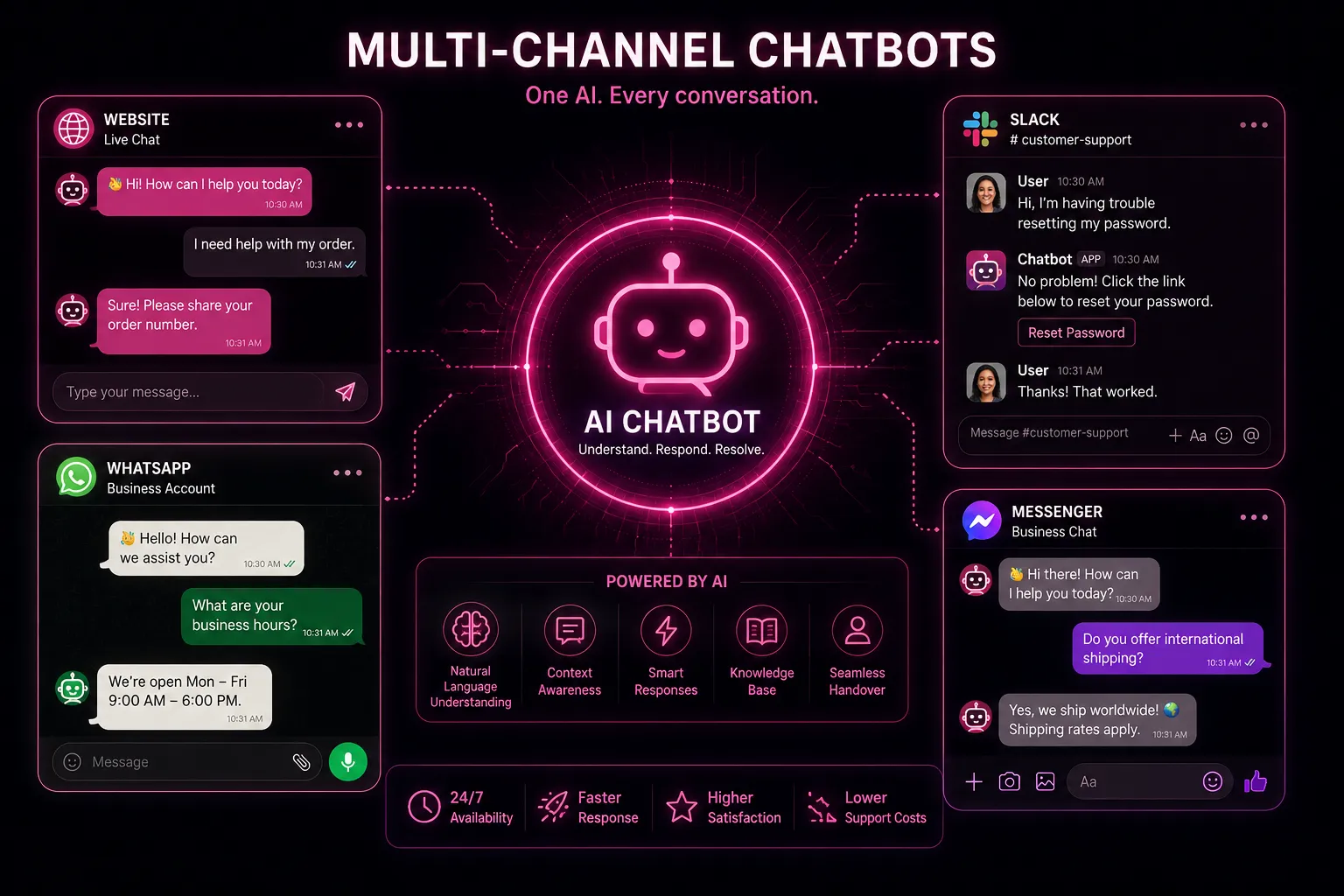
Short answer: a WhatsApp AI chatbot connects an AI assistant to the WhatsApp Business Platform (usually Meta's Cloud API). Customers message your business number; the AI answers questions, qualifies leads, books appointments, sends order updates and hands the chat to a person when needed. You need a verified Meta Business account, a dedicated phone number, approved message templates and customer opt-in.
WhatsApp Business app vs Business Platform
| WhatsApp Business app | WhatsApp Business Platform (API) | |
|---|---|---|
| Who it is for | Sole traders, very small shops | Any business that wants automation or several agents |
| Automation | Greeting and away messages, quick replies | Full chatbot and AI, CRM and system integrations |
| Users | A few linked devices | Unlimited agents through an inbox or helpdesk |
| Proactive messages | Manual only | Approved templates (reminders, updates, offers) |
| Cost | Free | Per-message fees for templates, plus your software |
If you want an AI chatbot, you need the Platform. A number used on the Platform cannot be used in the regular app at the same time.
How Meta's pricing works
Since July 2025 Meta charges per delivered template message, priced by category and the recipient's country:
- Marketing: offers, announcements, re-engagement. The most expensive category.
- Utility: order, booking and account updates. Free when sent inside an open customer service window.
- Authentication: one-time passcodes.
- Service: free-form replies to a customer who messaged you, within 24 hours of their last message. These are not charged.
In practice, a support or sales bot that mostly replies to customers costs very little in Meta fees; the cost comes from proactive reminders and marketing campaigns. Rates change, so check Meta's current rate card for your countries before you budget.
The best use cases for an AI chatbot on WhatsApp
- Lead qualification: ask budget, location and timing, then book a call or viewing. Strong for real estate.
- Order status and returns: "Where is my order?" answered instantly from your store data. See e-commerce.
- Admissions and fee queries: for schools, colleges and coaching institutes.
- Appointment booking and reminders, with one-tap reschedule. See AI appointment booking.
- FAQ deflection: hours, prices, policies, documents, in the customer's language.
Setup in seven steps
- Verify your business in Meta Business Manager.
- Choose a number that is not active on the regular WhatsApp app (a new number or one you migrate).
- Set your display name and profile; the name must match your brand.
- Connect the Cloud API through your chatbot platform or a developer.
- Write the knowledge base the AI answers from: products, prices, policies, FAQs. Use retrieval (RAG) so answers come from your content, not guesses.
- Submit message templates for reminders and updates; approval is usually quick if they are clear and non-promotional.
- Define handoff rules: complaints, payments, keywords like "agent", and any question the AI is not confident about go to a person.
Rules that keep your number healthy
- Get opt-in before sending templates, and record it.
- Do not blast marketing to cold lists. High block and report rates lower your quality rating and messaging limits.
- Make opt-out easy ("reply STOP").
- Tell users they are chatting with an AI assistant. It is good practice and, under the EU AI Act, a transparency requirement for chatbots. Our AI disclaimer generator drafts the wording.
Measuring results
| Metric | What good looks like |
|---|---|
| First response time | Seconds, 24/7 |
| Containment rate | Share of chats resolved without a person; aim to grow it steadily without hurting satisfaction |
| Lead-to-booking rate | Rises when replies are instant |
| Handoff quality | Agent sees the full conversation and summary, never asks the customer to repeat |
| Template read and block rates | High reads, low blocks |
Frequently asked questions
Is the WhatsApp Business API free?
Access to the Cloud API is free; Meta charges for delivered template messages by category and country. Replies within the 24-hour service window are not charged. Your chatbot software has its own fee.
Can a WhatsApp chatbot send messages first?
Only with an approved template and the customer's opt-in. Free-form messages are allowed only within 24 hours of the customer's last message.
Can I use my existing WhatsApp number?
Yes, by migrating it to the Platform. It then stops working in the regular WhatsApp app.
Will the AI make things up?
A well-built bot answers only from your approved knowledge base and hands off when it is unsure. Test it against your 50 most common questions before launch.
Launch your WhatsApp assistant
ZetChat WhatsApp AI Chatbot answers, qualifies and books on WhatsApp with human handoff and CRM sync. Read what conversational AI is for the bigger picture.