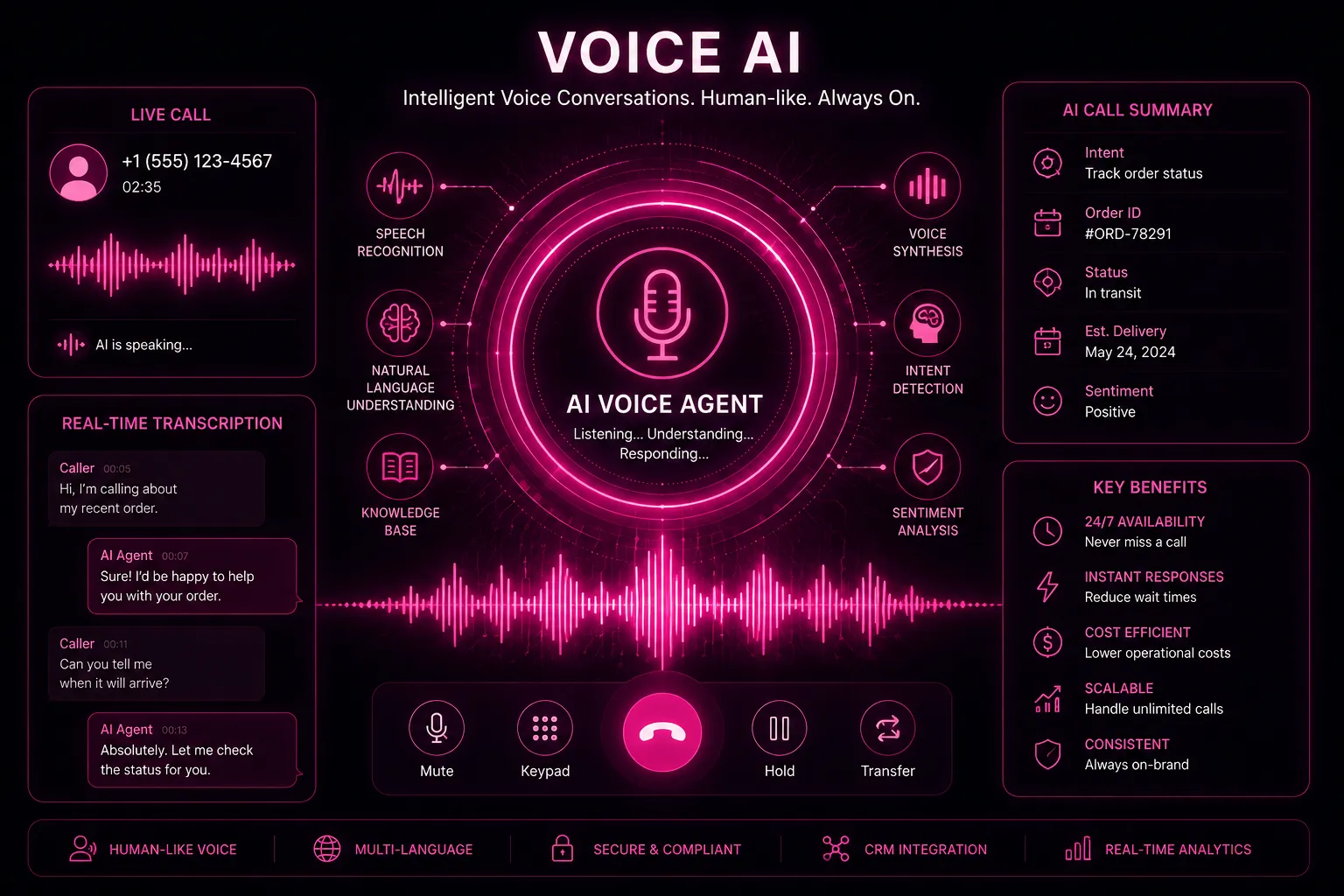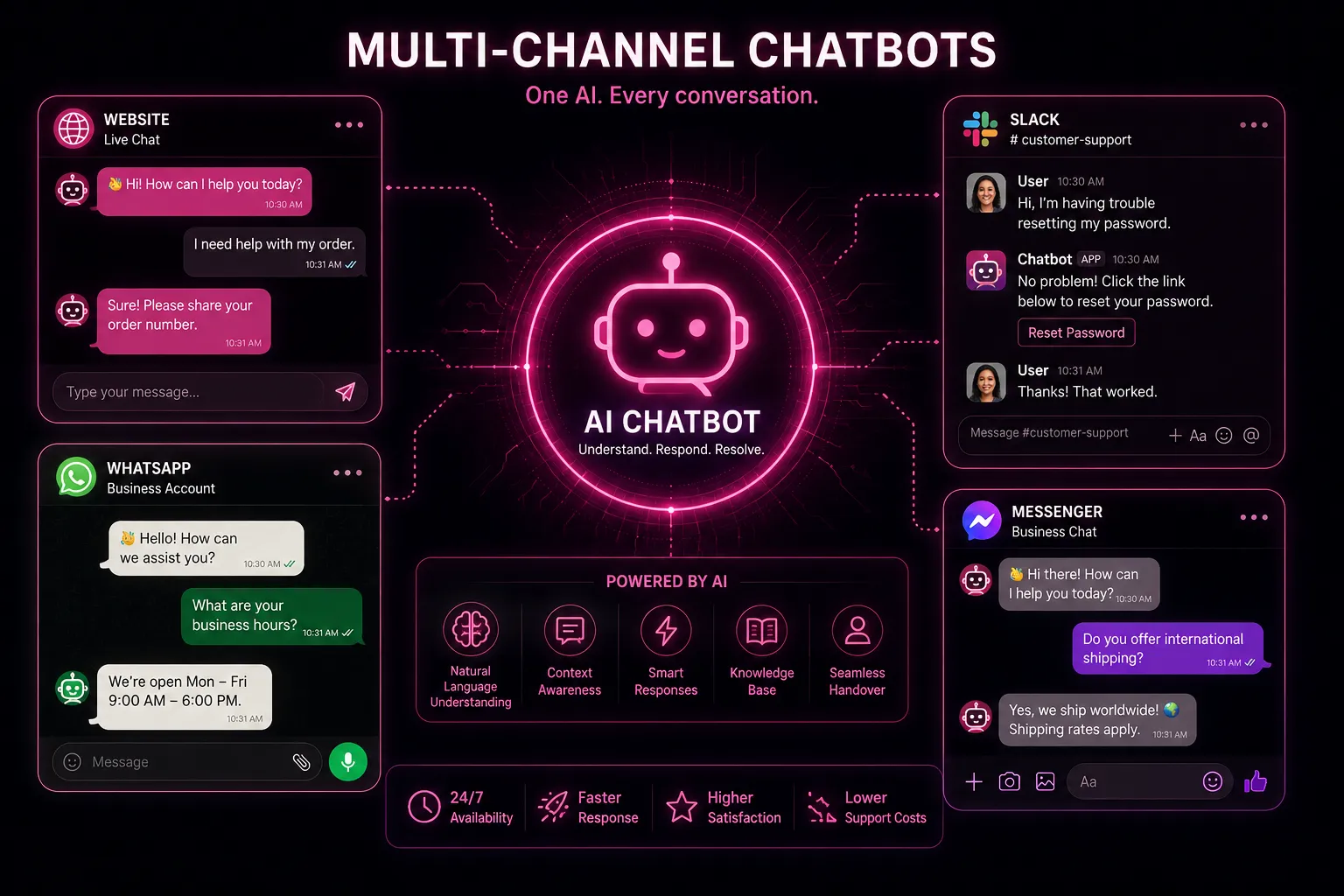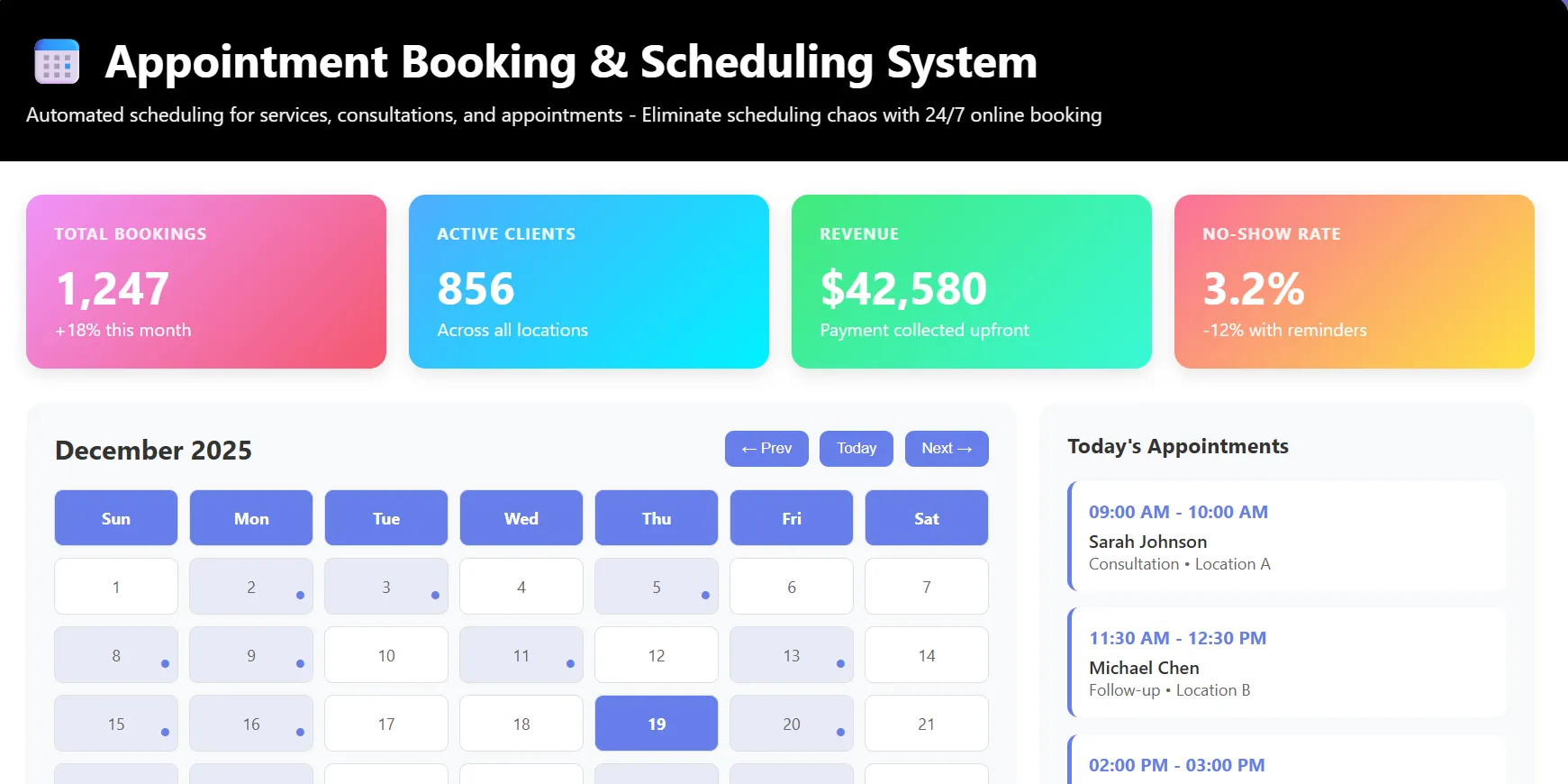
Short answer: AI appointment booking means customers can book, move or cancel an appointment by phone, website chat, SMS or WhatsApp at any hour, and the booking lands directly in your calendar using your rules. To cut no-shows, pair it with three automations: reminders (48 hours and 2-24 hours before), one-tap confirm or reschedule, and waitlist rebooking when someone cancels.
Background: what no-show rate means and how it is measured.
How AI appointment booking works
- A customer calls, messages or opens the chat widget.
- The assistant asks what they need, which location or staff member, and when they are free.
- It checks real availability in your calendar or practice system, applying service length, buffers and staff skills.
- It books the slot, sends a confirmation and adds the customer to your CRM.
- Reminders and follow-ups run automatically until the visit.
Unlike a basic booking page, the customer does not need to find the right link or create an account. They can say "next Tuesday after 4 for a cleaning with Dr. Shah" and be done.
What no-shows cost you
Use this formula with your own numbers:
Monthly no-show cost = appointments per month x no-show rate x average revenue per appointment
Example (illustrative): 400 appointments, an 8% no-show rate and USD 120 average value is 32 empty slots, or USD 3,840 a month. Cutting the rate to 4% recovers about USD 1,920 a month before counting rebooked waitlist slots.
The reminder workflow that reduces no-shows
| When | Message | Purpose |
|---|---|---|
| Immediately | Confirmation with date, time, address and prep instructions | Removes doubt about what was booked |
| 48 hours before | Reminder with one-tap Confirm / Reschedule / Cancel | Frees the slot early enough to refill it |
| 2-24 hours before | Short reminder, map link | Catches the forgetful |
| On cancellation | Offer the slot to the waitlist automatically | Turns a loss into a booking |
| After a no-show | Friendly rebooking message | Recovers the customer, not just the slot |
Research on appointment reminders in healthcare has repeatedly found that text reminders improve attendance compared with no reminder. The bigger gain in practice comes from making rescheduling easy: people who can move a slot in one tap do so, instead of just not turning up.
Setup checklist
- Write down your booking rules: services, durations, buffers, which staff do what, opening hours, lead time, maximum days ahead.
- Connect the calendar (Google Calendar, Outlook or your practice/booking system) so availability is always real.
- Choose channels: phone (via an AI receptionist), website chat and WhatsApp.
- Set the reminder sequence above and your cancellation policy.
- Add deposits for long or high-value appointments if no-shows are a real problem.
- Test with real scenarios: double bookings, last-minute changes, a customer who wants "the usual".
Channel comparison
| Channel | Best for | Watch out for |
|---|---|---|
| Phone (AI voice) | Older customers, urgent bookings, trades | Clear handover to staff for complex cases |
| Website chat | New customers comparing options | Keep it on every service page, not just Contact |
| Repeat customers, markets where WhatsApp is the default | Template approval for reminders | |
| SMS | Reminders and confirmations | Opt-out handling and local consent rules |
Industry notes
- Dental and medical: respect privacy rules (for example HIPAA in the US) in reminder content; avoid naming the treatment. See setups for dental practices and medical clinics.
- Salons and spas: staff-specific booking and add-on services matter most. See salons and spas.
- Gyms and studios: class capacity and waitlists. See gyms and fitness studios.
- Auto repair: bay capacity and job duration estimates. See auto repair shops.
Frequently asked questions
Will AI booking double-book my calendar?
Not if it reads and writes to the same calendar in real time. Test this during setup by booking the same slot from two channels at once.
Can customers still book with a person?
Yes. Staff keep full control of the calendar, and the assistant can hand a conversation to a person at any point.
Should I charge deposits?
For long, high-value or frequently missed appointment types, a small deposit or card-on-file policy is one of the most effective no-show controls. Apply it selectively so it does not put off new customers.
Does it work for multiple locations?
Yes, provided each location's calendar and rules are connected. The assistant asks for the preferred location or suggests the nearest one.
Start filling your calendar
ZetBook AI Appointment Booking books by phone, chat and WhatsApp, runs reminders and refills cancellations from a waitlist. Pair it with the ZetDesk AI receptionist to answer every call.