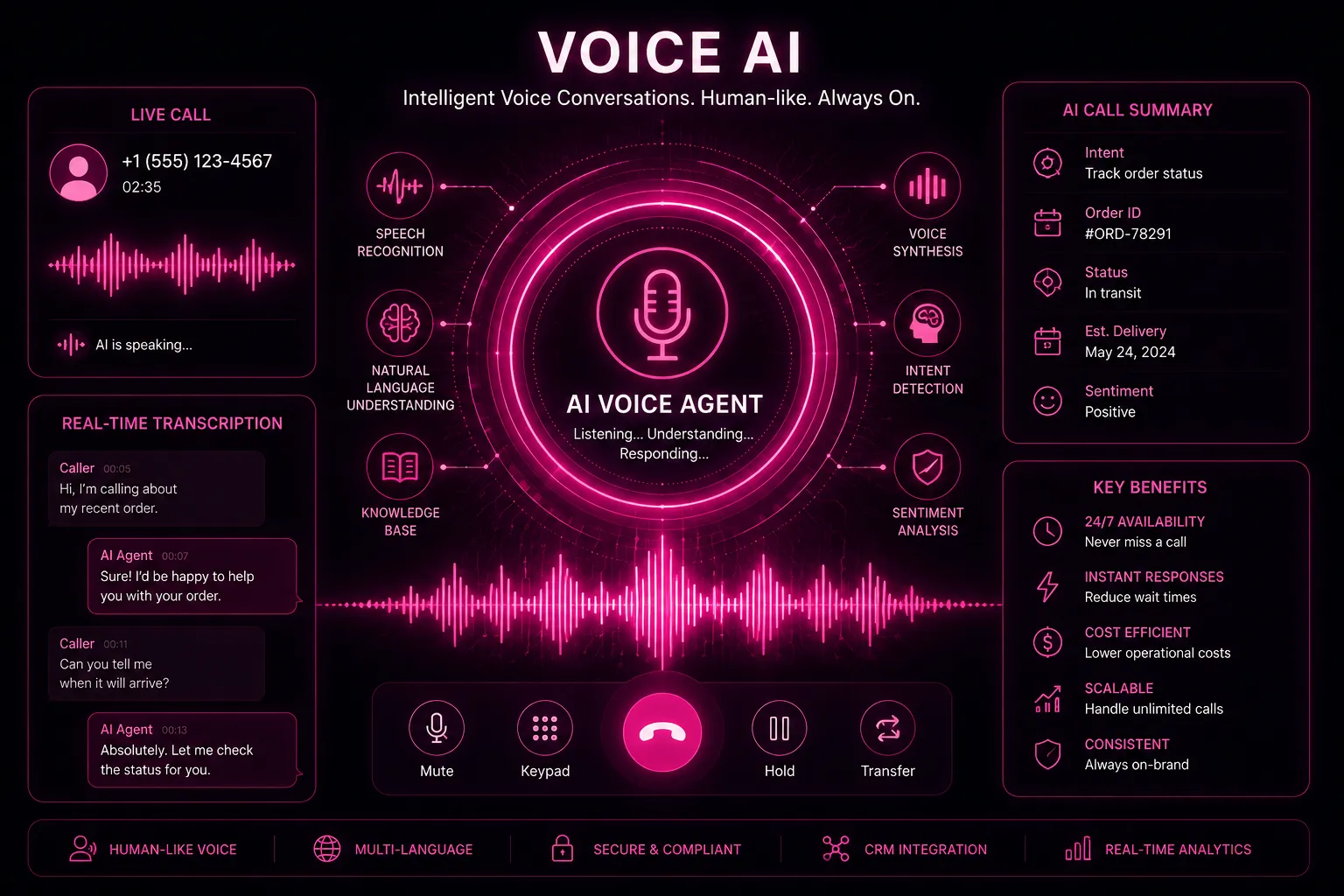
Short answer: set up an AI receptionist in seven steps: (1) list your call types, (2) write the knowledge base, (3) connect calendar and CRM, (4) set handoff rules, (5) choose the voice and greeting, (6) forward your number, (7) test with real scenarios and review transcripts weekly. Most small businesses go live in one to two days.
Still deciding? Compare options in AI vs human answering services and check AI receptionist cost.
Step 1: Map your call types
Listen to (or list) your last 50 calls and group them. A typical small business sees:
- New enquiries and quote requests
- Booking, rescheduling and cancelling
- Questions about hours, location, prices, insurance or parking
- Existing job or order status
- Urgent or emergency calls
- Suppliers, sales pitches and spam
For each type, write what a great outcome looks like: booked, message taken, transferred, or politely ended.
Step 2: Write the knowledge base
This is the step that decides quality. Include:
- Services with plain-language descriptions and typical price ranges (or the rule for "we quote after a visit").
- Service area, opening hours, holidays, parking, accessibility.
- Policies: cancellations, deposits, warranties, payment methods.
- The 20 questions customers ask most, with your best answers.
- What the AI must never do: promise prices it cannot confirm, give medical or legal advice, discuss other customers.
Step 3: Connect calendar and CRM
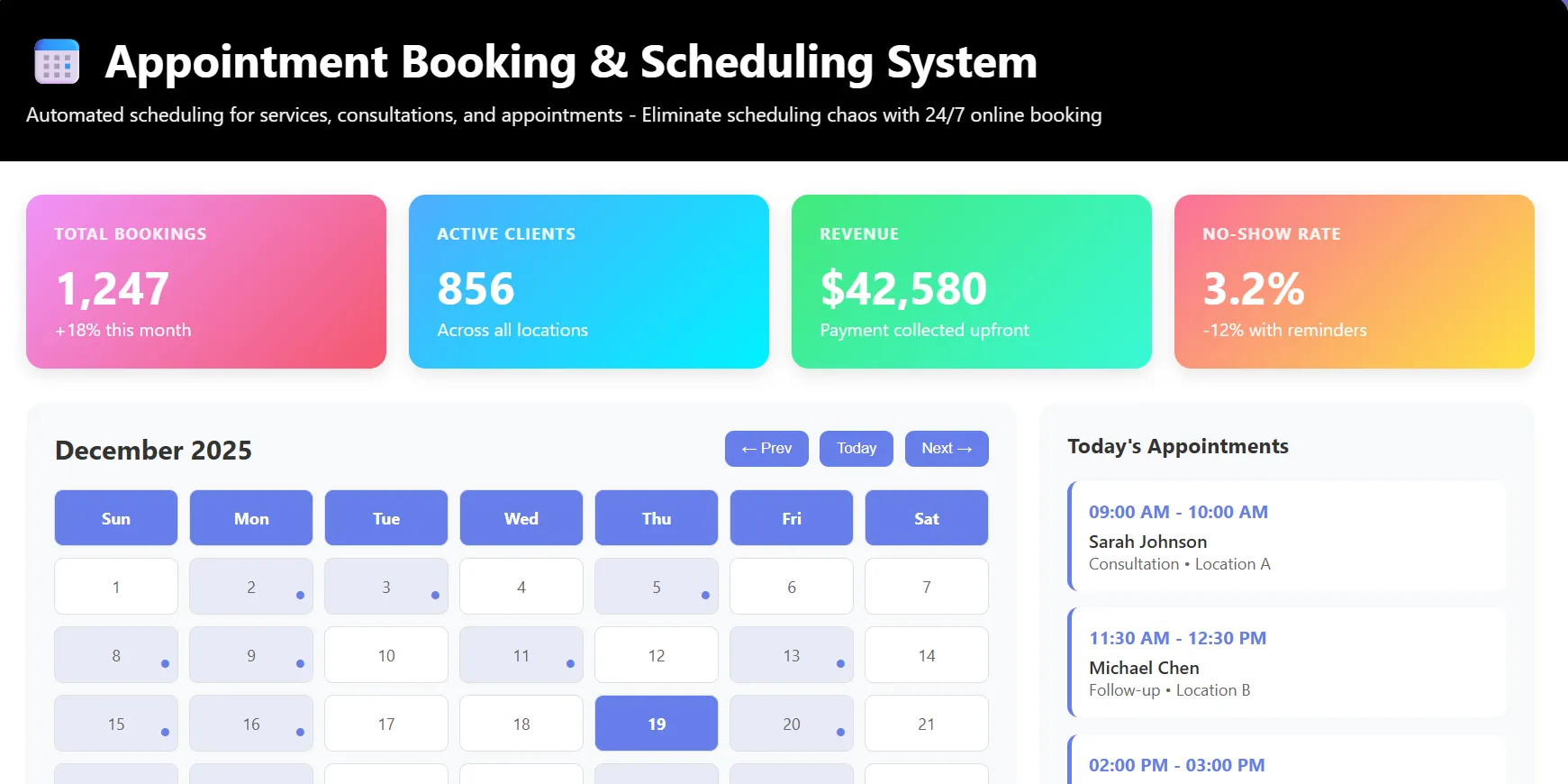
Booking is where the value is. Connect your calendar or job system with rules for service duration, buffers, staff skills and travel time. Send every call summary and contact to your CRM so nothing lives only in a transcript.
Step 4: Set handoff rules
| Situation | Action |
|---|---|
| Emergency keywords (flooding, gas smell, chest pain, injury) | Warm transfer to on-call number immediately; give safety instructions where appropriate |
| VIP or key-account caller ID | Transfer to the account owner, fall back to a priority message |
| Caller asks for a person | Transfer during hours; book a callback after hours |
| Complaint or upset caller | Acknowledge, capture details, escalate the same day |
| AI not confident | Take a detailed message rather than guess |
Step 5: Voice, greeting and disclosure
- Greet with your business name and offer help in one sentence.
- Say it is a virtual assistant; callers accept it more readily when it is upfront, and some regions require it.
- If calls are recorded, say so and follow local consent rules.
- Pick a voice and pace that suits your customers; test it on someone who is not on your team.
Step 6: Forward your number
You keep your existing number. Typical setups:
- Overflow: conditional forwarding sends calls you do not answer within 3-4 rings to the AI.
- After hours: all calls go to the AI outside opening hours.
- Always first: AI answers every call and transfers as needed; best for high volume.
If you use VoIP or a cloud phone system, this is a setting in the admin panel; on mobile networks it is usually a short dial code.
Step 7: Test, launch, tune
- Run 20 test calls covering each call type, including awkward ones: a strong accent, background noise, a caller who changes their mind.
- Check that bookings appear correctly and summaries reach the right person.
- Go live with overflow and after-hours first, then widen.
- Review transcripts weekly for the first month; add missing answers to the knowledge base.
Mistakes that make callers hang up
- Long greetings and menus. Get to "How can I help?" fast.
- No way to reach a person.
- Guessing prices or availability instead of checking.
- Asking for information the caller already gave.
Frequently asked questions
How long does it take to set up an AI receptionist?
A basic setup takes a few hours; a well-tuned one with booking and CRM integration typically takes one to two days, plus a few weeks of light tuning from transcripts.
Do I need a new phone number?
No. You forward your existing number to the AI, fully or only when you do not answer.
Can it handle multiple calls at once?
Yes. Unlike a person, it can answer many calls simultaneously, so callers never hear a busy tone.
What if it gets something wrong?
Every call has a transcript and summary, so mistakes are easy to spot and fix in the knowledge base. Keep the "take a message when unsure" rule on.
Go live this week
ZetDesk AI Receptionist includes guided setup, calendar booking, emergency transfer and call summaries. See tailored setups for medical clinics, real estate agencies, salons and spas and restaurants.