Short answer: a preventive maintenance (PM) schedule lists, for each important asset, what to do, how often (by calendar or by usage), who does it and which parts they need. Build it in seven steps: asset list, criticality, task library, triggers, owners and parts, a system to run it, and weekly compliance review.
Step 1: List your assets
Start with a simple register: asset name, ID, location, make, model, serial number and install date. Group assets in a parent/child structure (site, line, machine, component) so history rolls up properly.
Step 2: Rank by criticality
Score each asset on the impact of failure (safety, production, cost, customer) and the likelihood of failure. Focus PM on the critical 20% first. Our downtime cost guide shows how to put a number on impact.
Step 3: Build the task library
For each critical asset, collect:
- Manufacturer-recommended maintenance from the manual.
- Failures from your own history and what would have prevented them.
- Regulatory or insurance inspections (pressure vessels, lifts, fire systems).
Write each task as a short checklist with clear pass/fail checks and readings to record.
Step 4: Choose the trigger for each task
| Trigger type | Use it for | Example |
|---|---|---|
| Calendar (time-based) | Ageing, corrosion, compliance inspections | Fire-extinguisher check every month |
| Meter (usage-based) | Wear driven by running time or cycles | Compressor oil change every 2,000 run-hours |
| Whichever comes first | Assets that run unevenly | Generator service every 12 months or 500 hours |
| Condition-based | Assets with sensors or readings | Replace filter when pressure drop exceeds the limit |
Usage-based triggers avoid over-maintaining idle assets and under-maintaining busy ones. Condition-based and predictive maintenance come later, once your basic PM is reliable.
Step 5: Assign owners, time and parts
- Who performs it (role or named technician).
- Estimated duration, so the weekly plan is realistic.
- Parts and consumables, so they are reserved before the job.
- Safety requirements: lockout/tagout, permits, PPE.
Step 6: Put it in a system
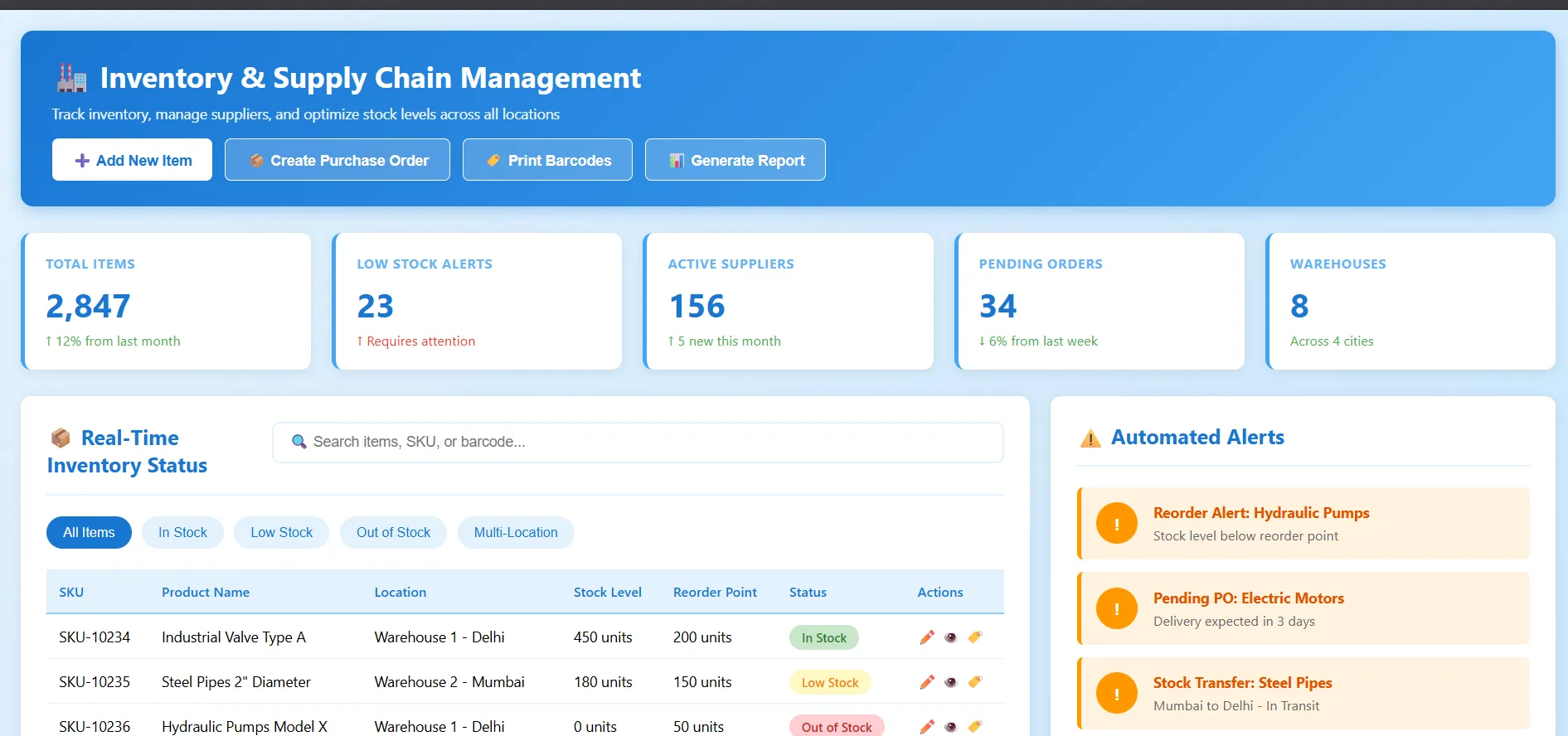
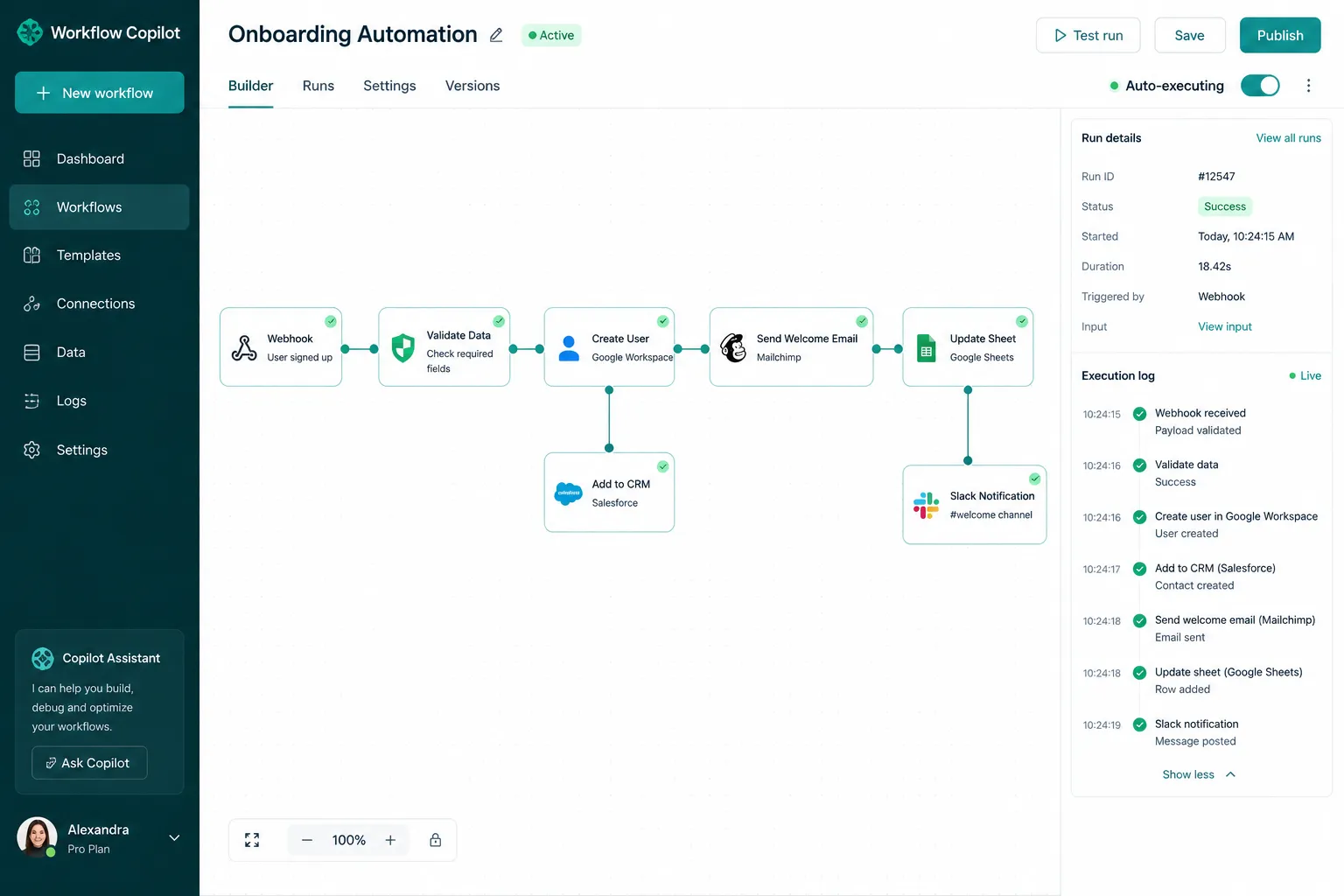
A spreadsheet works for a handful of assets. Beyond that, a CMMS generates work orders automatically when tasks fall due, tracks meter readings, reserves parts and keeps the history.
A simple template
| Asset | Task | Trigger | Owner | Duration | Parts |
|---|---|---|---|---|---|
| Air compressor AC-01 | Check oil level, drain condensate, inspect belts | Weekly | Shift technician | 20 min | None |
| Air compressor AC-01 | Oil and filter change | 2,000 run-hours or 12 months | Mechanical tech | 2 h | Oil, oil filter, air filter |
| HVAC AHU-03 | Replace filters, inspect fan and coils | Quarterly | HVAC contractor | 1.5 h | Filters |
| Forklift FL-02 | Daily pre-use checklist | Daily | Operator | 5 min | None |
| Conveyor CV-07 | Lubricate bearings, check tracking | 500 run-hours | Mechanical tech | 45 min | Grease |
Step 7: Measure and improve
- PM compliance: share of PM tasks done on time. Review weekly; aim for 90% or more.
- Planned vs unplanned work: should shift towards planned.
- Repeat failures: if an asset still fails between PMs, change the task or interval.
- Over-maintenance: if inspections never find anything, lengthen the interval.
Common mistakes
- Loading every asset at once, so the backlog is overwhelming from day one.
- Vague tasks like "inspect machine" with nothing to record.
- No parts reserved, so PM jobs are skipped.
- Never reviewing intervals after the first setup.
Frequently asked questions
How often should preventive maintenance be done?
As often as the manufacturer and your failure history suggest, adjusted by usage. Daily and weekly operator checks, monthly or quarterly inspections, and annual or usage-based services are a typical mix.
What is the difference between preventive and predictive maintenance?
Preventive maintenance runs on a fixed schedule or usage. Predictive maintenance uses condition data (vibration, temperature, oil analysis) to act only when failure is approaching.
Can I run a PM schedule in Excel?
Yes, for a small number of assets. It becomes unreliable once several people share it or meter-based triggers are needed.
Run your PM schedule automatically
ZetMaint CMMS turns this template into automatic work orders with calendar and meter triggers, a mobile app for technicians and PM compliance reports. See setups for schools and universities and fleet maintenance.