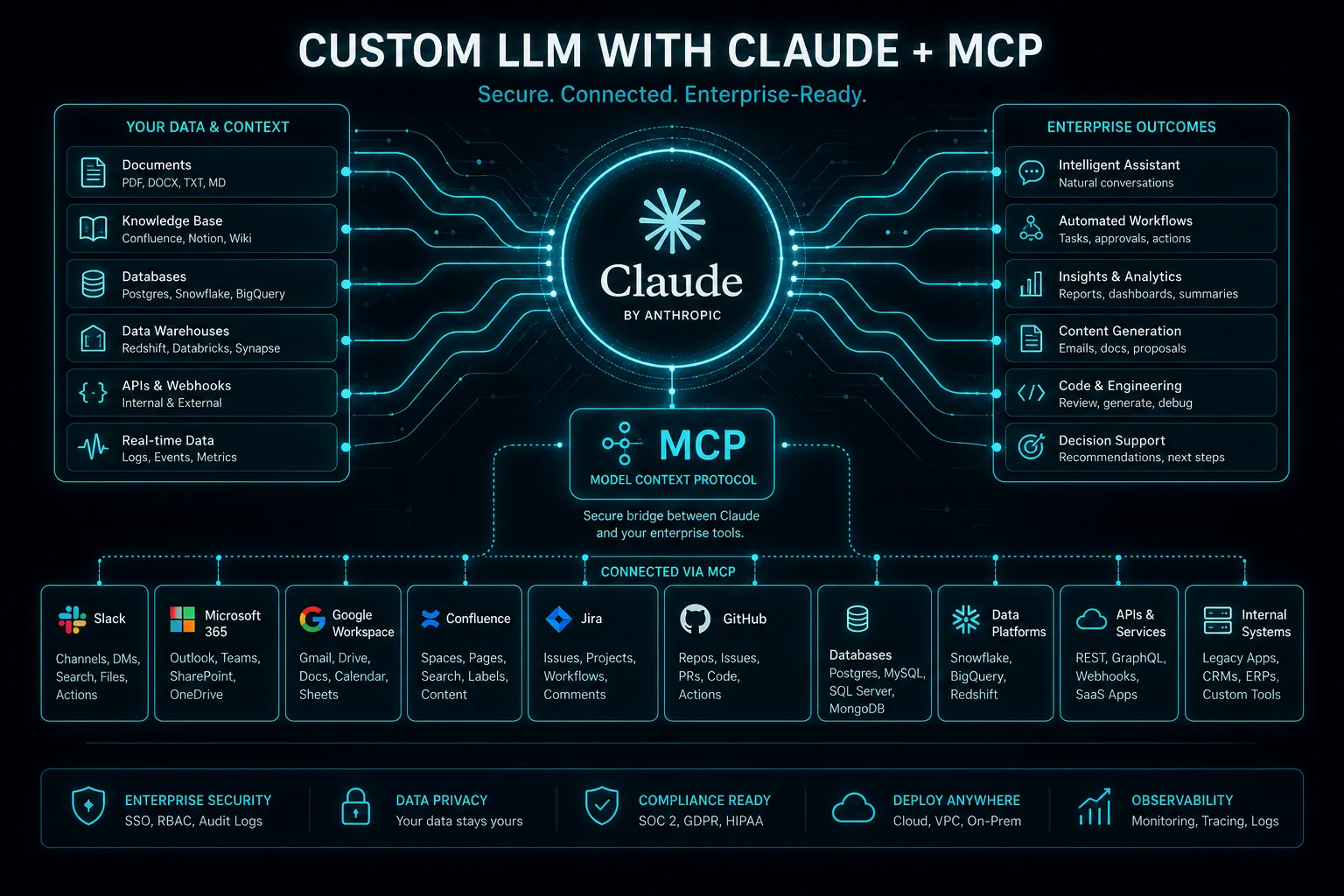
MCP (Model Context Protocol) is an open standard that lets AI assistants connect to your business tools and data through one common interface. Anthropic introduced it in November 2024, and OpenAI, Google and Microsoft have since added support across their AI products. Instead of building a custom integration for every AI app and every system, you build one MCP server for a system, and any MCP-compatible AI client can use it.
A good analogy is USB-C for AI. Before USB-C every device needed its own cable; before MCP, every AI-to-tool connection needed its own custom code.
How MCP works in three parts
| Part | What it is | Example |
|---|---|---|
| MCP host / client | The AI application the user talks to | Claude, ChatGPT, an IDE assistant, or your own in-house agent |
| MCP server | A small service that exposes one system's capabilities in the MCP format | A server for your CRM, your database or your document store |
| Capabilities | What the server offers to the AI | Tools (actions such as "create invoice"), resources (data such as "customer record"), prompts (reusable templates) |
When a user asks "what did Acme order last quarter, and draft a renewal quote", the AI client discovers which tools the connected servers offer, calls the CRM server to read the orders, then calls the quoting tool, all through the same protocol.
Why MCP matters for businesses
- Lower integration cost. One server per system, reused by every AI app, instead of N apps × M systems custom connectors.
- Less lock-in. You can switch AI providers or models without rebuilding your integrations.
- A growing catalogue. Many SaaS vendors now publish official MCP servers, so common tools may already be covered.
- A single control point. Access, logging and rate limits live in the server, which is easier to govern than prompts scattered across apps.
Practical use cases
- Internal knowledge assistant: answers from wikis, policies and tickets, with links back to the source.
- Sales assistant: reads the CRM, summarises accounts, drafts follow-ups and logs activity.
- Operations and maintenance: queries asset and work-order systems, for example "which pumps are overdue for preventive maintenance?"
- Finance back office: pulls invoices, flags anomalies and prepares reconciliations for human approval.
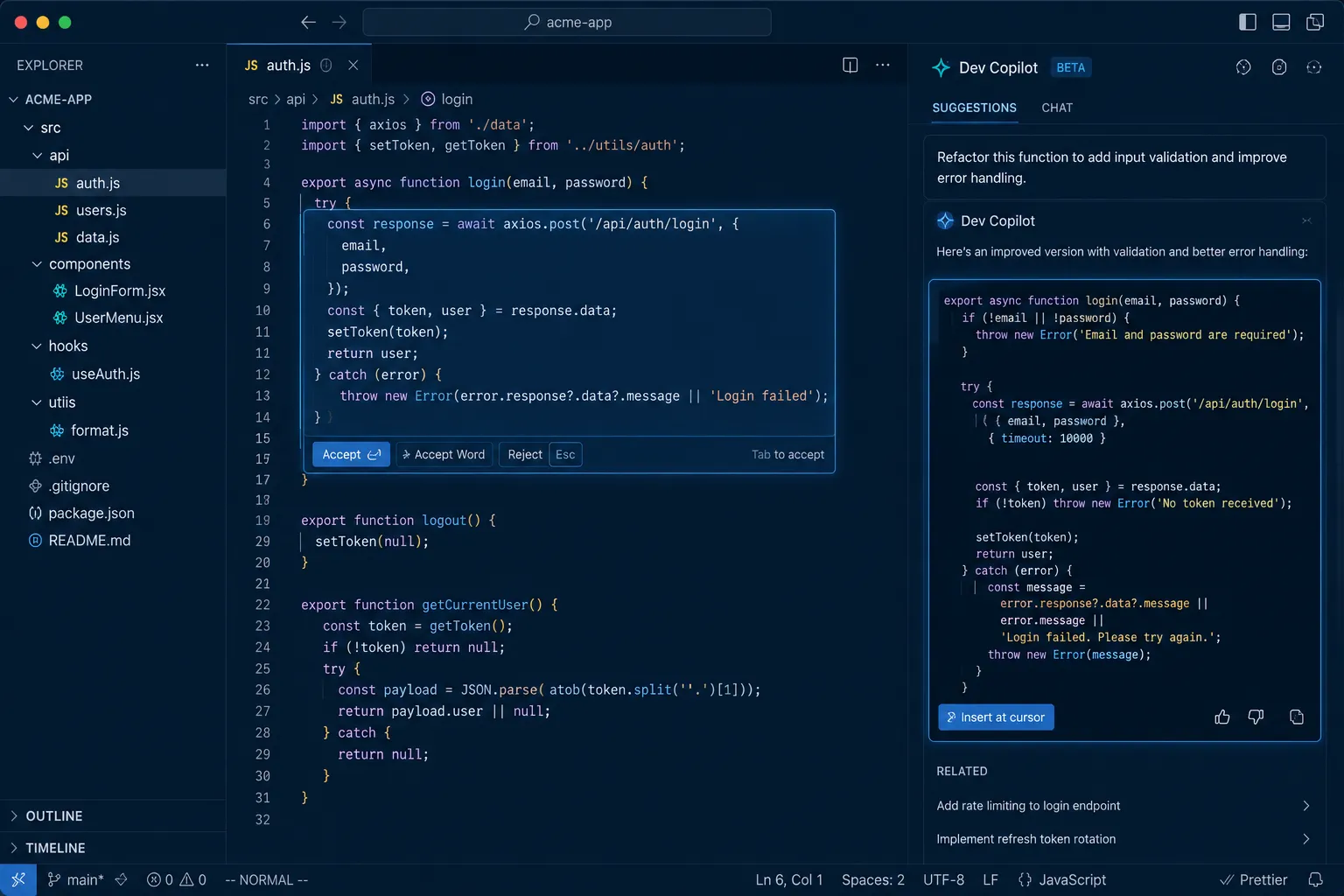
- Developer productivity: connects coding assistants to repositories, issue trackers and logs.
The security rules to set before switching it on
MCP makes it easy to give an AI real power over real systems, which is exactly why you should be deliberate about it.
- Least privilege. Give each server the narrowest permissions it needs, and start read-only.
- Act as the user, not as an admin. Use the end user's own credentials or scoped tokens so the AI cannot see more than the person asking.
- Human approval for writes. Require confirmation for actions that send, pay, delete or change records.
- Treat tool output as untrusted. Content fetched from emails, web pages or documents can contain prompt-injection instructions. The client must never execute them blindly.
- Only install servers you trust. Third-party MCP servers run code with access to your data; review them like any other dependency.
- Log everything. Every tool call should be recorded with who, what and when.
What it costs to adopt MCP
If an official MCP server already exists for your tool, the cost is mainly configuration, permission design and testing, often days rather than weeks. A custom MCP server for an in-house system is a small, focused development project, typically a few days to a few weeks depending on how many actions it exposes and how clean the underlying API is. That is usually less than building separate integrations for each AI app. For whole-agent budgets, see what it costs to build an AI agent.
How to get started
- List the three questions or tasks your team would most like an AI assistant to handle.
- Map which systems hold the data or actions for each one.
- Check whether official MCP servers exist for those systems.
- Pilot with read-only access and a small group of users.
- Add write actions with human approval once accuracy is proven.
ZetsApp builds custom MCP servers and agents that connect AI to line-of-business systems such as ERP, CMMS and CRM. See our AI development services or book a scoping call.
Frequently asked questions
What is MCP in AI?
MCP, the Model Context Protocol, is an open standard that defines how AI applications connect to external tools and data sources, so one integration can be reused by any compatible AI assistant.
Who created the Model Context Protocol?
Anthropic introduced MCP as an open standard in November 2024. It has since been adopted by other major AI providers and many software vendors.
What is an MCP server?
An MCP server is a small service that exposes a system's actions (tools), data (resources) and templates (prompts) in the MCP format, so AI clients can discover and use them.
Is MCP secure?
MCP is a protocol; security depends on how you deploy it. Use least-privilege permissions, user-scoped credentials, human approval for write actions, trusted servers only, and full logging of tool calls.
Do I need MCP to build an AI agent?
No, but it reduces integration work and lock-in when an agent needs several tools or when multiple AI apps need the same systems.