Short answer: set up SPF, DKIM and DMARC, then send and receive a small, steadily increasing number of real conversations every day for two to four weeks, rescue anything that lands in spam, and only then start cold outreach, while warmup continues in the background.
Step 1: authenticate the domain
- SPF: lists the servers allowed to send for your domain
- DKIM: signs each message so receivers can verify it
- DMARC: tells receivers what to do with mail that fails, and sends you reports
- Use a separate sending domain for outreach to protect your main domain
Step 2: follow a gradual schedule
| Week | Daily volume per inbox | Notes |
|---|---|---|
| 1 | Start low and add a few per day | Conversations with replies |
| 2 | Keep increasing steadily | Watch spam placement |
| 3 | Approach your target volume | Begin small, personalised outreach |
| 4+ | Hold at target, keep warmup running | Never jump volume suddenly |
The exact numbers matter less than the shape: steady, gradual, consistent.
Step 3: replies and spam rescue
Mailbox providers learn from engagement. Warmup messages that are opened, replied to and moved out of spam tell them your mail is wanted.
The mistake that ruins new domains: bursts after downtime
If your warmup tool stops for a day and then sends the missed messages all at once, the spike looks like spam. A good tool skips overdue slots and simply continues the schedule.
Checklist
- SPF, DKIM and DMARC pass
- Separate outreach domain
- Gradual daily ramp
- Replies and spam rescue enabled
- No bursts after downtime
- Warmup continues after campaigns start
- Mailbox passwords stored encrypted
How Deliverix fits
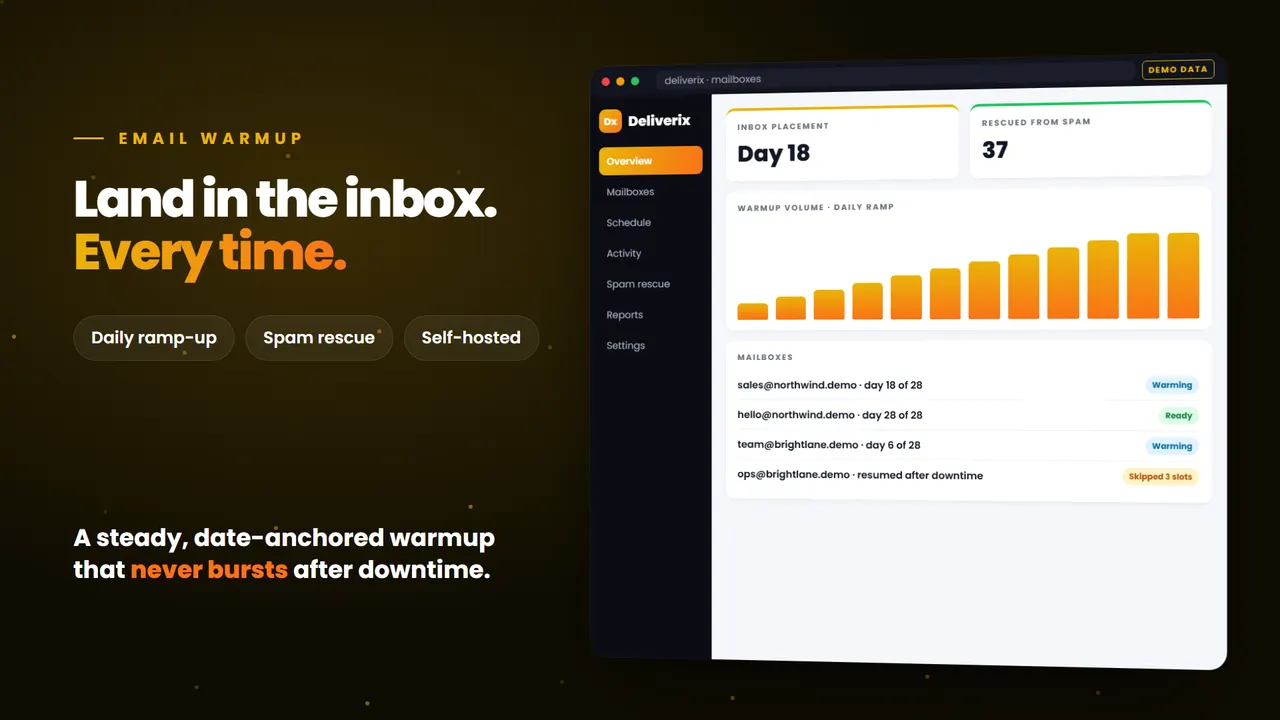
Deliverix Email Warmup runs a date-anchored ramp, rescues mail from spam, never sends a backlog in one burst after downtime, stores credentials encrypted and can be self-hosted. Pair it with lead follow-up automation.
How to check that SPF, DKIM and DMARC pass
Send a message from the new mailbox to an inbox you control, open the original message and look for the authentication results: SPF, DKIM and DMARC should all show "pass". If DMARC fails, check that the domain in the From address aligns with the SPF or DKIM domain.
Signals that warmup is working
- Warmup and test messages land in the inbox rather than spam or promotions
- Fewer messages need rescuing from spam each week
- Replies come back without delays
- First outreach replies arrive without bounce or block notices
When to pause
- Hard bounces rise after a list upload: clean the list before continuing
- A blocklist warning appears: fix the cause before sending more
- DMARC reports show unknown servers sending as your domain
Outreach habits that keep reputation healthy
- Verify addresses before sending
- Keep each inbox to a modest daily volume and add inboxes to scale
- Write personal, plain-text first emails
- Make opting out easy
- Stop sequences when people reply
Glossary
- Sender reputation: how mailbox providers rate your domain and IP.
- Hard bounce: a permanent delivery failure, such as a non-existent address.
- Spam rescue: moving a wanted message from spam to the inbox, which teaches the provider.
Frequently asked questions
How long does it take to warm up a new email domain?
Most new domains need two to four weeks of steady warmup before cold outreach, and warmup should continue at a low level afterwards.
Do I need SPF, DKIM and DMARC before warming up?
Yes. Authentication comes first; warmup cannot fix a domain that fails SPF, DKIM or DMARC.
Can I warm up my main company domain?
It is safer to use a separate domain for cold outreach so any reputation problems do not affect your main business email.
What happens if my warmup stops for a few days?
Resume gradually. Sending the missed messages all at once creates a spike that can hurt reputation.