Short answer: automate the work that depends on memory. Assign an owner to every new lead, create the next follow-up task automatically, and alert the owner when a deal changes stage or goes quiet. These three rules stop most lost deals.
Five automations to set up first
| Trigger | Action | Why |
|---|---|---|
| New lead created | Assign owner by territory or round-robin | No lead sits unowned |
| Lead assigned | Create "first call" task due today | Speed to lead |
| Deal stage changed | Notify owner and manager | Visibility without meetings |
| No activity for N days | Create a re-engagement task | Stops deals going cold |
| Deal won | Create onboarding tasks | Smooth handover |
Visibility and audit
Reps should see their own records, managers their team, admins everything. An audit log shows who changed a value and when, which matters for forecasts and disputes.
Checklist
- Pipeline stages match how you actually sell
- Workflow triggers on create and update
- Owner notifications
- Bulk actions on lists
- Role-based visibility
- Audit log
- Import from spreadsheets or your old CRM
- Per-user pricing in writing
How Salesvia fits
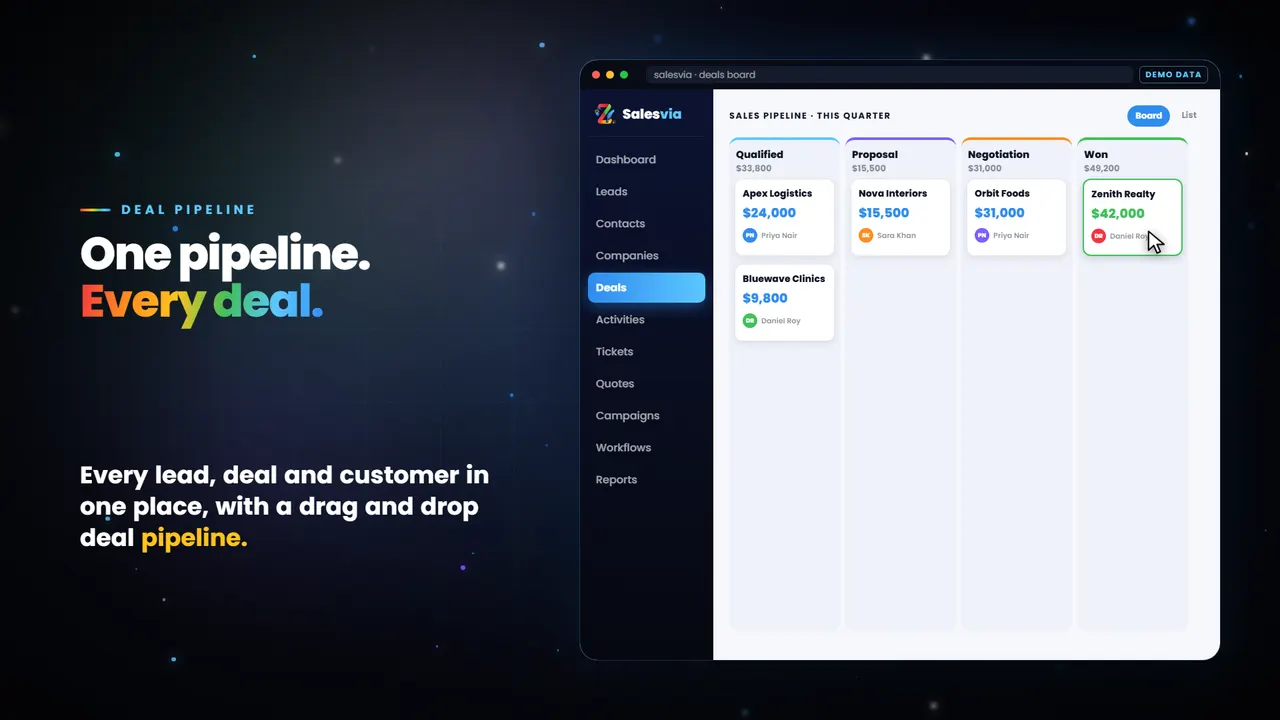
Salesvia CRM gives sales teams a visual pipeline, workflow triggers, owner notifications, bulk actions, role-based visibility and an audit log, ready in days. Also see RelateCRM and lead follow-up automation.
Designing pipeline stages
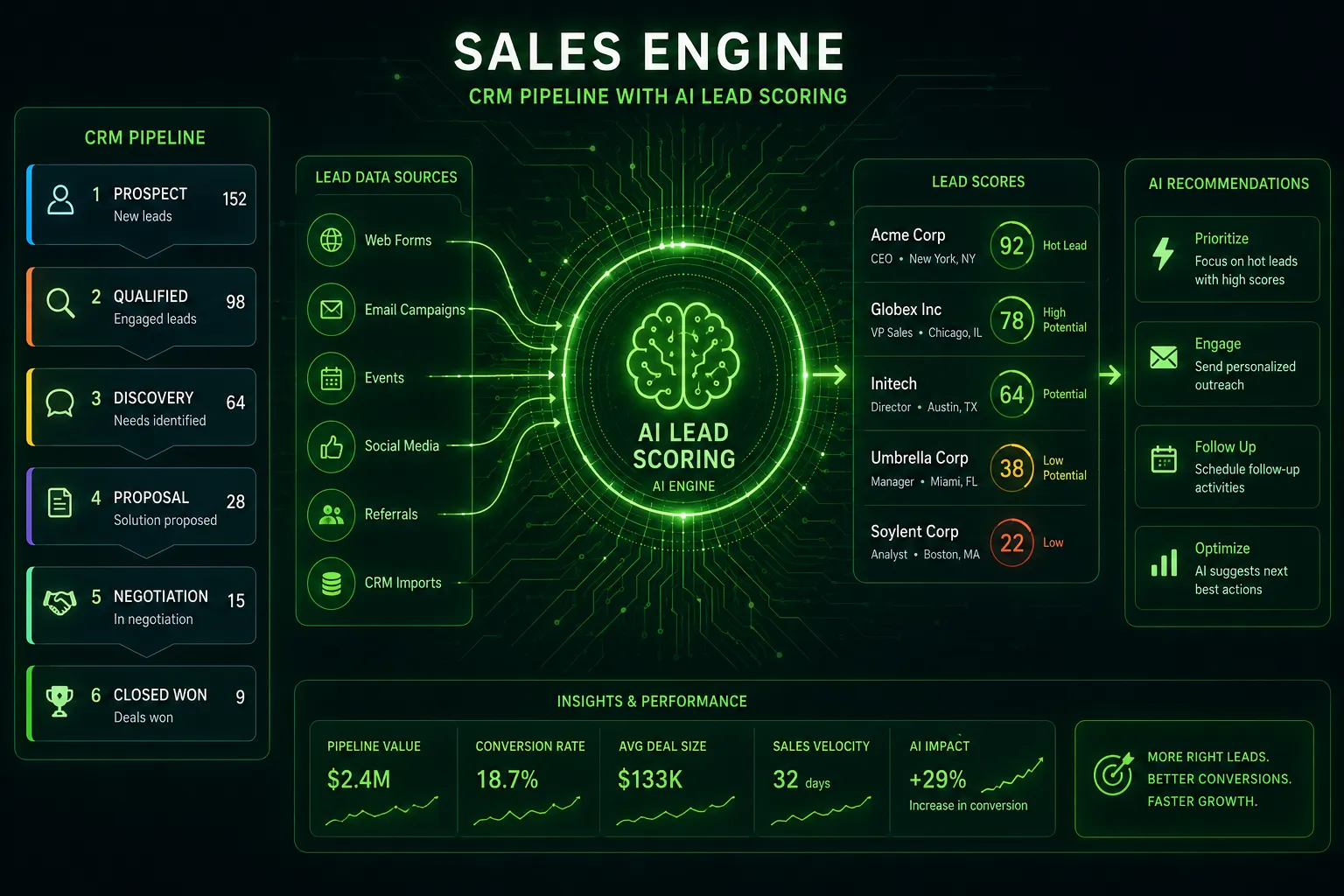
Each stage should describe something the customer has done, not something your rep hopes: "demo booked", "proposal sent", "verbal yes", "contract signed". Keep five to seven stages, define what moves a deal forward, and attach one automation to each stage change.
Reports managers actually use
- Pipeline value by stage and owner
- Deals with no activity in the last 7 or 14 days
- New leads and time to first contact
- Win rate by source
- Forecast for this month and next
Common mistakes
- Too many required fields, so reps stop updating the CRM.
- Automations that notify everyone about everything.
- No owner on imported records.
- Migrating years of dead leads.
Migration in four steps
- Clean duplicates and dead records in the spreadsheet or old CRM
- Map fields and stages
- Import companies, then contacts, then deals
- Turn on automations after a test week
Example automations by team
| Team | Trigger | Automation |
|---|---|---|
| Inside sales | Web form lead arrives | Assign round-robin, create a call task due in 15 minutes |
| Field sales | Meeting logged | Create follow-up email task for the next morning |
| Account management | Deal won | Create onboarding checklist and notify the delivery lead |
| Management | Deal value above a threshold | Notify the sales head and require approval for discounts |
| Support | Customer ticket marked urgent | Alert the account owner so sales is not surprised |
How to measure whether the CRM is working
- Time from new lead to first contact, by owner
- Share of open deals with a next task scheduled
- Deals with no activity in 14 days
- Win rate by lead source
- Forecast accuracy month by month
Review these numbers weekly for the first two months. If reps skip updates, simplify the required fields before adding more automation.
Glossary
- Pipeline: the stages a deal moves through from first contact to won or lost.
- Speed to lead: the time between a lead arriving and the first real contact.
- Audit log: a history of every change to a record: who, what and when.
Frequently asked questions
What is CRM workflow automation?
Rules that run when records change: assigning owners, creating tasks and notifying people, so follow-ups never depend on memory.
Which CRM automation should I set up first?
Owner assignment for new leads, an automatic first follow-up task, and stage-change notifications.
Do small teams need a CRM with automation?
Yes. Small teams benefit most because nobody has time to remember every follow-up.