
Introduction
Remember the bad old days when connecting apps meant coughing up your username and password, giving full rein to your accounts? As a developer who's integrated countless services, I've seen the fallout – breaches, revoked access, trust eroded. Enter OAuth 2, the protocol that flips the script for secure delegated access, letting apps borrow just the keys they need without the master set.
Here's the thing: in 2026's API-everywhere world, where apps like fitness trackers pull from Google or payment gateways link to banks, OAuth 2 is the unsung hero keeping it safe. It's not just tech; it's peace of mind. This post unpacks the problem it fixes, how OAuth 2 grants limited access, a step-by-step flow with a photo-printing example, and its security smarts. You might wonder, with biometrics rising, why bother? Because it empowers control – revoke anytime, no password leaks. If you've ever "Logged in with Google," you've used it; let's peel back the layers from my auth-wrangling experience.
The Problem: Why Password Sharing is a Nightmare
Early web was wild: To let App A access App B's data, you'd share your B credentials with A – full access granted, no take-backs. Think printing photos from storage: Hand over storage login to printer app? They could delete everything.
I've seen this bite in legacy systems – one compromise, all exposed. It's why we ditched it: too risky, no granularity. OAuth 2 steps in to delegate without the danger.
The Solution: OAuth 2 for Limited, Revocable Access
OAuth 2 lets you authorize third-party apps to access your data on another service – no password sharing. You control scope (e.g., read-only photos) and can yank access anytime.
It's delegated auth: User (you) grants Client (third-party) limited rights to Resource Server (your data holder) via Authorization Server. Examples? Twilio for SMS, Stripe for payments – seamless, secure. In my builds, it's the glue for ecosystems without trust issues.
How It Works: A Real-World Example Flow
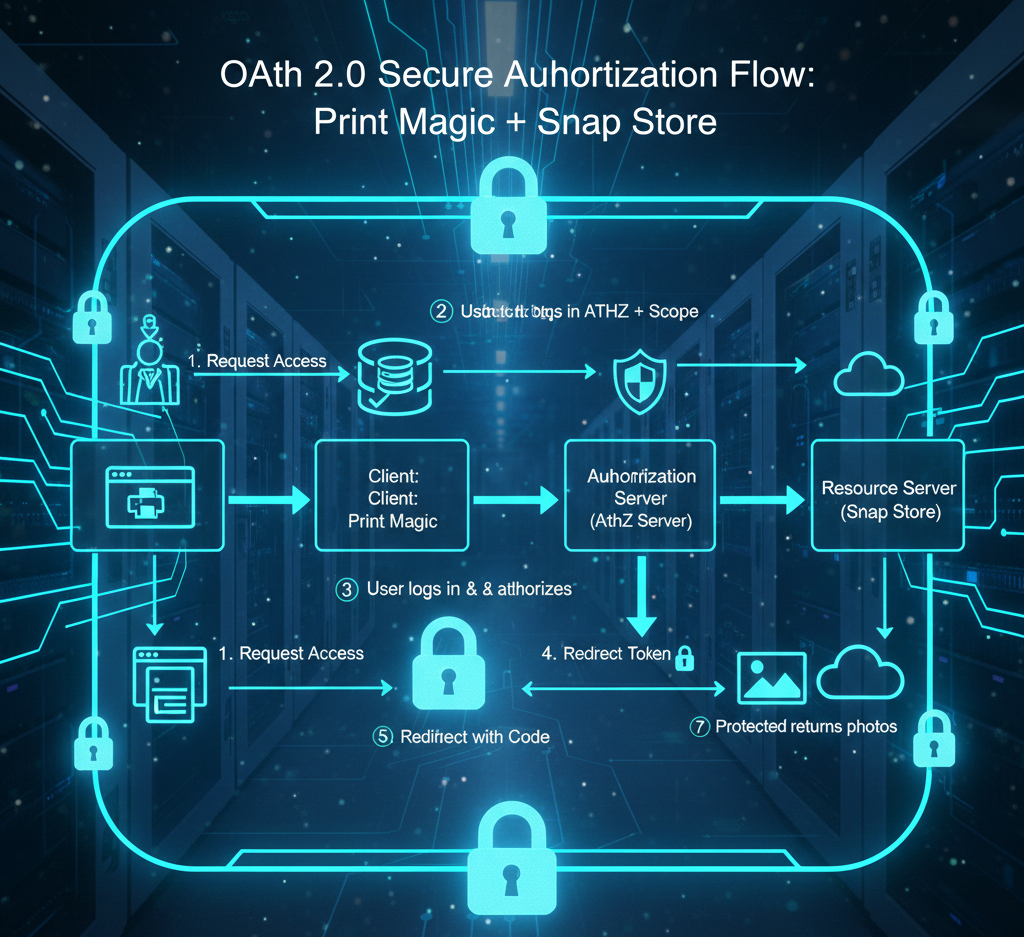
Let's walk it with Snap Store (photo storage, Resource Server) and Print Magic (printing app, Client).
- You want Print Magic to fetch your Snap photos – click "Connect."
- Print Magic redirects to Snap's Authorization Server with client ID and scope (e.g., read photos).
- You log in to Snap, review/grant consent.
- Auth Server sends auth code to your browser, redirecting to Print Magic.
- Print Magic swaps code + client ID/secret for access token from Auth Server.
- With token, Print Magic requests photos from Snap's Resource Server.
- Server validates token, serves data.
Elegant, right? No creds to Print Magic – just a token with expiry. I've implemented this flow; key is secure secrets and token validation to thwart replays.
Security Features: Control and Protection Built-In
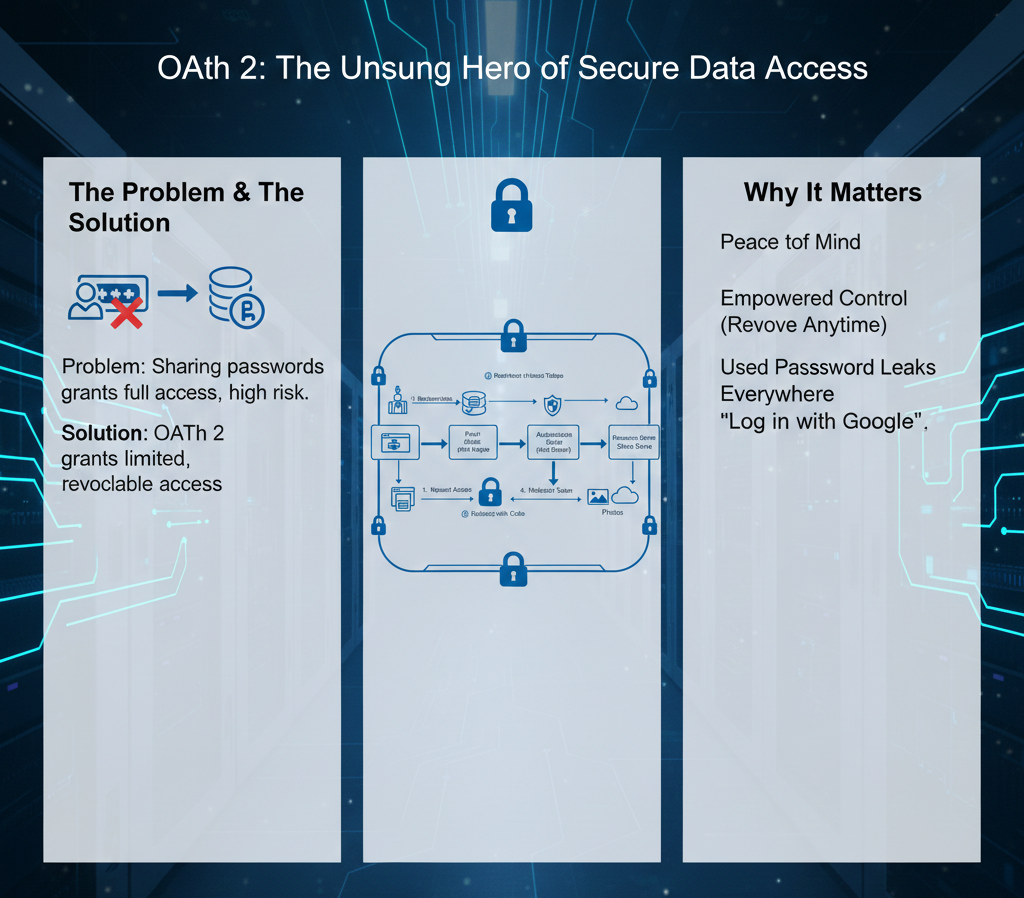
Your creds stay hidden from clients – massive win. Tokens expire (short-lived for safety), refresh tokens extend without re-login. Revoke anytime via auth provider.
In my secure apps, I've layered scopes and audits – OAuth's flexibility lets you fine-tune. It's why it's standard for delegated access.
Conclusion
OAuth 2 revolutionized secure sharing, ditching password risks for controlled delegation. From enterprise integrations to consumer logins, it's the backbone of trust. As a dev, I say: Master it for your APIs – users thank you with loyalty.