
Introduction
Ever stared at a sprawling codebase and thought, "How do I explain this beast to the new hire – or even myself in six months?" As a tech lead who's led teams through architectural overhauls, I know the struggle: diagrams rot faster than code, leaving knowledge silos and confusion. That's where code-to-diagram tools shine – they let you generate visuals from code or text, keeping docs in sync with development and version-controlled like your repo.
Here's the thing: in 2026, with distributed teams and complex microservices, effective documentation isn't nice-to-have; it's your competitive edge. This post spotlights six popular tools that turn abstract ideas into clear diagrams, helping devs and leads share system knowledge effortlessly. We'll hit Diagrams for Python pros, its Go cousin, Mermaid's Markdown ease, PlantUML's versatility, ASCII's simplicity, and Markmap's mind-mapping. I've woven these into my workflows for everything from cloud architectures to sequence flows – no more stale Visio files. If you're tired of "doc-rot" killing productivity, let's diagram our way out.
The Pain of Outdated Docs and Why Code-to-Diagram Tools Rule
Think about it: Traditional diagramming means manual updates, version mismatches, and "I'll fix the docs later" syndrome. In my projects, that led to miscommunications and rework. Code-to-diagram tools flip the script – define in code or text, generate on the fly, commit to Git. It's collaborative, trackable, and scales with your system. These six stand out for their ease and power, covering cloud setups to mind maps. Pro tip: Start with one that matches your lang or workflow; I've seen teams boost onboarding 2x with them.
Diagrams (Python Library): Rapid Cloud Arch Prototyping
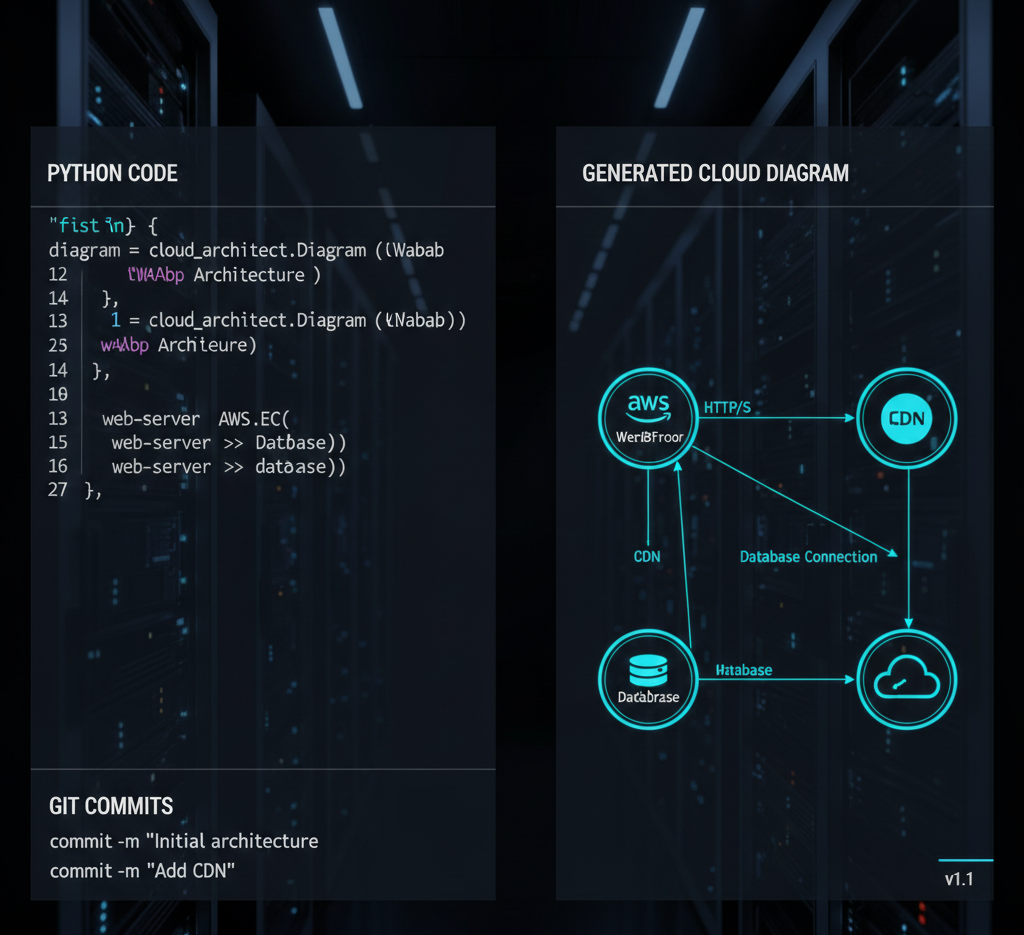
Kick off with Diagrams – a Python lib that's my go-to for sketching cloud systems. Write Python code to define nodes and connections, and it spits out crisp diagrams. Perfect for rapid prototyping: tweak code, regenerate, and track changes in VCS like Git.
It supports AWS, Azure, GCP, K8s, on-prem, and SaaS – I've mocked up hybrid clouds in minutes. Drawback? Python-only, but if you're in that ecosystem, it's gold for sharing designs without design tools.
Go-Diagrams: The Go Equivalent for Efficient Diagramming
If Go's your jam, Go-Diagrams mirrors the Python version – code-based diagramming for cloud arches. Same perks: VCS integration, provider support, quick iterations.
I've used it in Go-heavy microservices projects; it's lightweight and fits seamless into builds. Not as feature-rich yet, but for Gophers, it's a natural fit to keep docs code-adjacent.
Mermaid: Markdown-Powered Diagrams to Beat Doc-Rot
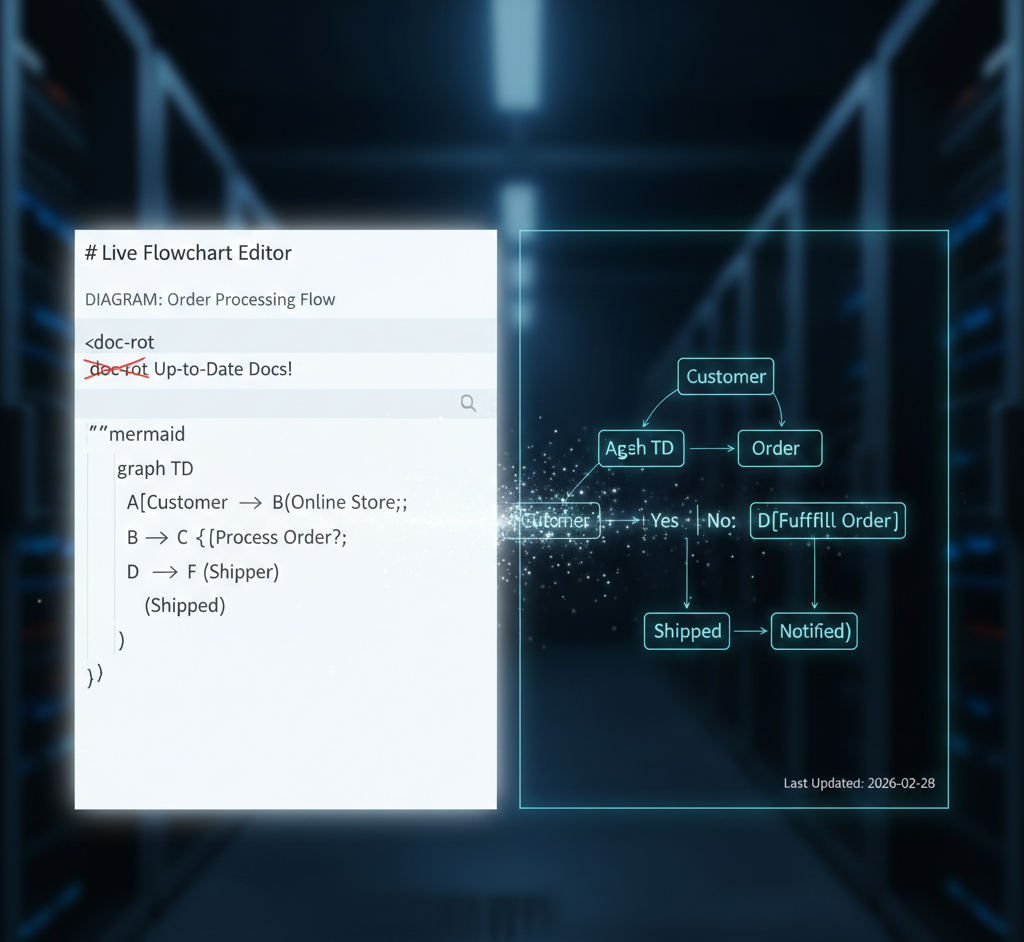
Mermaid's a JavaScript gem that turns Markdown text into diagrams – flowcharts, sequences, you name it. Embed in READMEs or wikis; it renders live. Goal? Sync docs with dev to kill "doc-rot" – outdated visuals that waste time.
Live Editor's a boon for non-coders; I've collabed with PMs this way. Versatile for everything from ERDs to Gantt; just text, no installs needed. Con? Complex diagrams can get syntax-heavy, but for quick shares, it's unbeatable.
PlantUML: Versatile DSL for All Kinds of Diagrams
PlantUML uses a domain-specific language to craft sequences, arches, networks, Gantts – you define in text, it generates. Powerful for detailed visuals; I've used it for UML in enterprise docs.
Steep curve on syntax, but rewards with flexibility – embed in code comments or wikis. If you need variety beyond clouds, it's worth mastering; exports to PNG/SVG make sharing easy.
ASCII Diagram Editors: Simple, Embed-Anywhere Art
For no-fuss simplicity, ASCII editors let you draw or text-craft diagrams as plain text art. Tools like Asciiflow (web) or Monodraw (Mac) make it intuitive.
Beauty? Embed anywhere – code comments, emails, terminals – no rendering needed. I've sketched quick topologies in meetings this way. Not pretty for presentations, but for dev notes, it's lightweight gold.
Markmap: Mind Maps from Markdown Hierarchies
Markmap extracts hierarchies from Markdown to visualize mind maps – great for brainstorming or connecting ideas in docs.
Useful for outlining systems; I've mapped microservice dependencies this way. Limitation? Struggles with massive maps – keep it focused. If your docs are Markdown-heavy, it's a seamless add-on.

Conclusion
These six tools – Diagrams, Go-Diagrams, Mermaid, PlantUML, ASCII editors, Markmap – transform code into diagrams, fighting doc-rot and boosting team sync. Pick based on your stack; I've mixed them for hybrid wins. For deeper dives into large-scale designs, ByteByteGo's newsletter is a gem – keeps me sharp.