
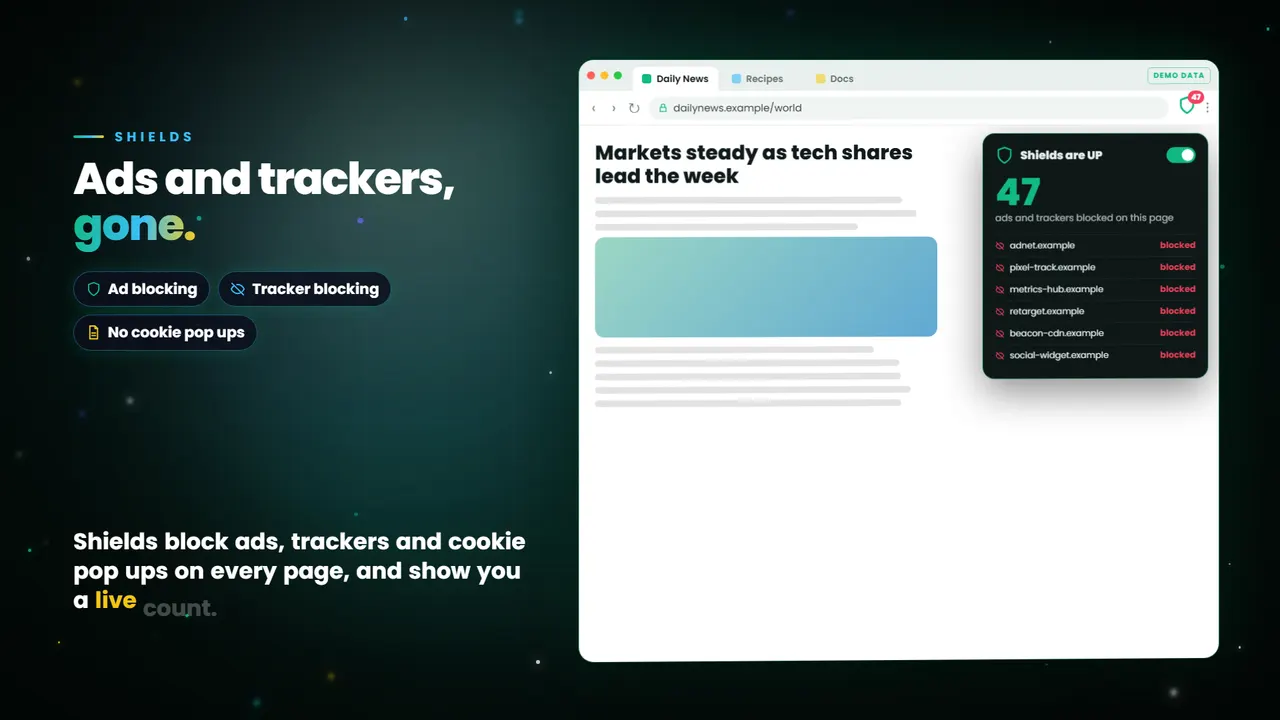
Short answer: a white-label or enterprise browser is a browser built on the Chromium engine that carries your name, start page and policies, blocks ads and trackers by default, and can be locked to approved sites for schools and kiosks.
Default browser + extensions vs a branded browser
| Need | Default + extensions | Branded browser |
|---|---|---|
| Ad and tracker blocking | Depends on users installing extensions | Built in, on by default |
| Policies | Limited, extensions can be removed | Locked settings and allow-lists |
| Branding | Vendor brand | Your name, icon and start page |
| Kiosk mode | Workarounds | Full-screen, approved sites only |
Who uses them
- Companies standardising browsing and blocking trackers
- Schools and labs limiting students to approved sites
- Retail and public kiosks
- Media companies and ISPs offering a branded browser to their audience
Rollout
- Define the use case and policies
- Brand the build: name, icon, start page
- Sign the installer and set up updates
- Deploy to devices; updates follow the Chromium release cycle
How Lumora fits
Lumora Browser is ZetsApp's Chromium-based desktop browser with built-in ad and tracker blocking, protected video playback and white-label, enterprise and kiosk builds.
Policies companies usually set
- Default search engine and start page
- Ad and tracker blocking level
- Allowed and blocked sites
- Download and printing rules
- Password manager and sync options
- Update channel
Kiosk and classroom setups
Kiosks run the browser full screen with one approved site, no address bar and an automatic reset after inactivity. Classrooms use allow-lists of learning sites and block everything else, so students stay on task without extra filtering hardware.
Common mistakes
- Relying on extensions users can disable
- Branding without signing the installer, which triggers security warnings
- No update plan for security patches
Glossary
- Chromium: the open-source engine behind many modern browsers.
- Allow-list: the sites users may open; everything else is blocked.
- DRM: protection used by streaming services for paid video.
Security benefits beyond ad blocking
Many malware infections start with malicious advertising or scripts on otherwise legitimate websites. Blocking ad and tracking networks by default removes a large share of that risk before any security product has to react. A managed browser also lets IT teams decide which extensions may be installed, which closes a common route for data leaks, and keeps every device on the same patched version instead of relying on users to update.
Branded browser scorecard
| Question | Why it matters |
|---|---|
| How quickly are Chromium security updates shipped? | Browsers are a top attack surface; delays matter |
| Is the installer code-signed? | Unsigned installers trigger warnings and lose trust |
| Can policies be locked so users cannot change them? | Otherwise blocking and allow-lists can be bypassed |
| Does protected video (DRM) work? | Training and media sites often require it |
| Can the start page and search engine be set? | Brand presence and safe search for schools |
| Is there a kiosk mode with auto-reset? | Public screens must clear sessions between users |
Example rollouts
- School computer lab: allow-list of learning platforms, ad-free, no extensions, history cleared each session.
- Retail self-service kiosk: one approved ordering site, full screen, reset after two minutes of inactivity.
- Company laptops: trackers blocked, approved extensions only, the intranet as the start page.
Frequently asked questions
What is a white-label browser?
A browser built on an open engine such as Chromium and delivered under your own name, icon, start page and default settings.
Is a private browser with a built-in ad blocker faster?
Usually, because ads and tracking scripts are blocked before they load.
Can a browser be locked to approved websites?
Yes. Enterprise and kiosk builds can enforce allow-lists and locked settings.


